OPPO Reno 12F FRP Unlock/Reset

How to Bypass Google Account (FRP) on OPPO Reno 12F (Android 14/15)

If you’ve recently factory reset your OPPO Reno 12F running Android 14 or 15 and are stuck at the Google account verification screen (FRP lock), this guide will walk you through a bypass method demonstrated in a recent video. This process utilizes the “Clone Phone” app and a second Android device to regain access to your phone.

Understanding FRP (Factory Reset Protection)

FRP is a security feature designed by Google to prevent unauthorized access to a device after a factory reset. If a phone is reset without removing the associated Google account, it will require you to re-enter those credentials to proceed with the setup.

What You’ll Need:
Read more

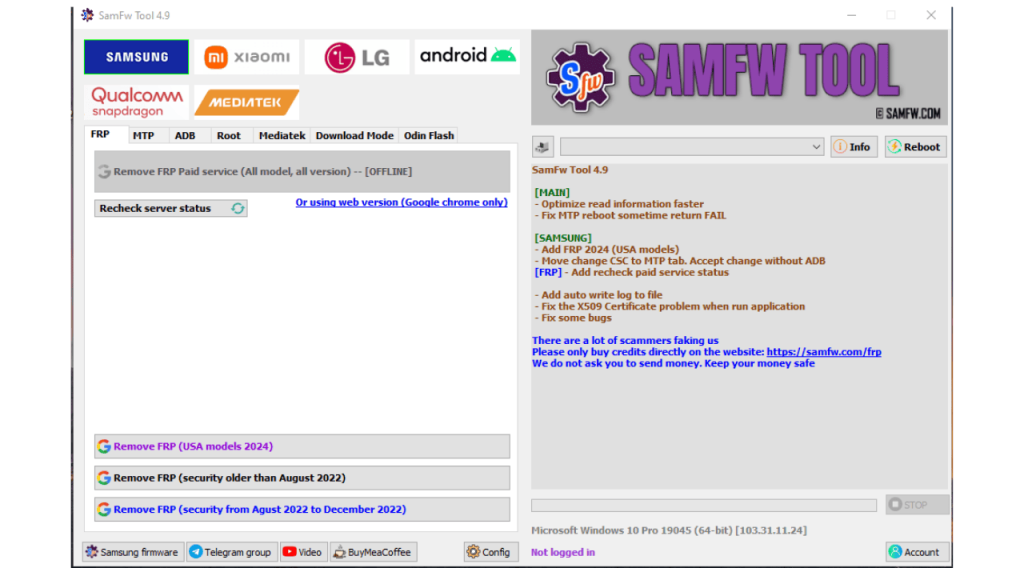
SamFw Tool 4.9 Best FRP Remove Tools For Samsung Xiaomi LG Android Phone

SamFw Tool 4.9 – Best FRP Remove Tools For Samsung Android

SamFw Tool 4.9 is a software tool primarily used for Samsung devices, offering functionalities such as FRP (Factory Reset Protection) bypass.

SamFw Tool 4.9 is a useful tool for Samsung users who need to bypass FRP locks or change CSC codes. It offers a user-friendly interface and is available for free. However, users should be aware of the potential security concerns and the possibility of the tool not working reliably in all cases. It’s important to weigh the pros and cons before using SamFw Tool and to ensure that it is used ethically and legally.

Main function:

  1. Remove FRP with one click
  2. Change CSC with one click
  3. Remove FRP for new security patch (Aug 2022)
  4. Remove FRP paid method

Read more